ESP32 LED Cube
Published
By ApolloRoboto
Still a work in progress
My first fully featured embedded project, I was curious about the Rust development on microcontrollers, so I picked up an ESP32 to play with it.
The goals sounded simple to me at first, get 6 displays hooked up, and control the effects over network. Simple right? Oh boy, I didn’t realized how much I had to learn… I had to climb a lot of hills in the way. First was learning to write Rust code without the standard library (no_std), then I had to work around many memory limitations. I ran into electronic challenges as all those LEDs needs a lot more power than I initially thought. And I had to find how to mount all the components in a 3D printed compact and portable cube.
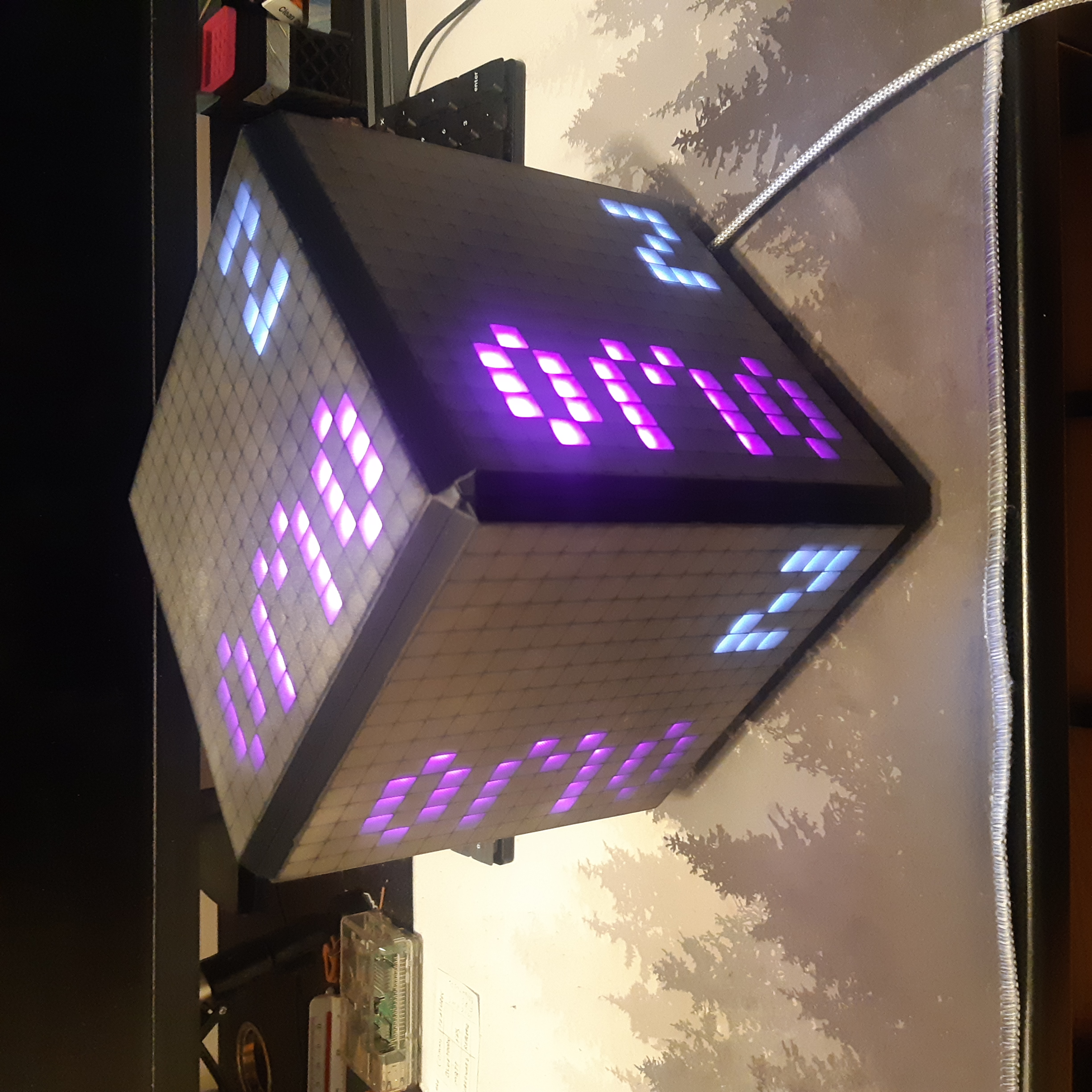
I got something that is presentable! Still a work in progress at the time of writing, but I get to showcase it here:
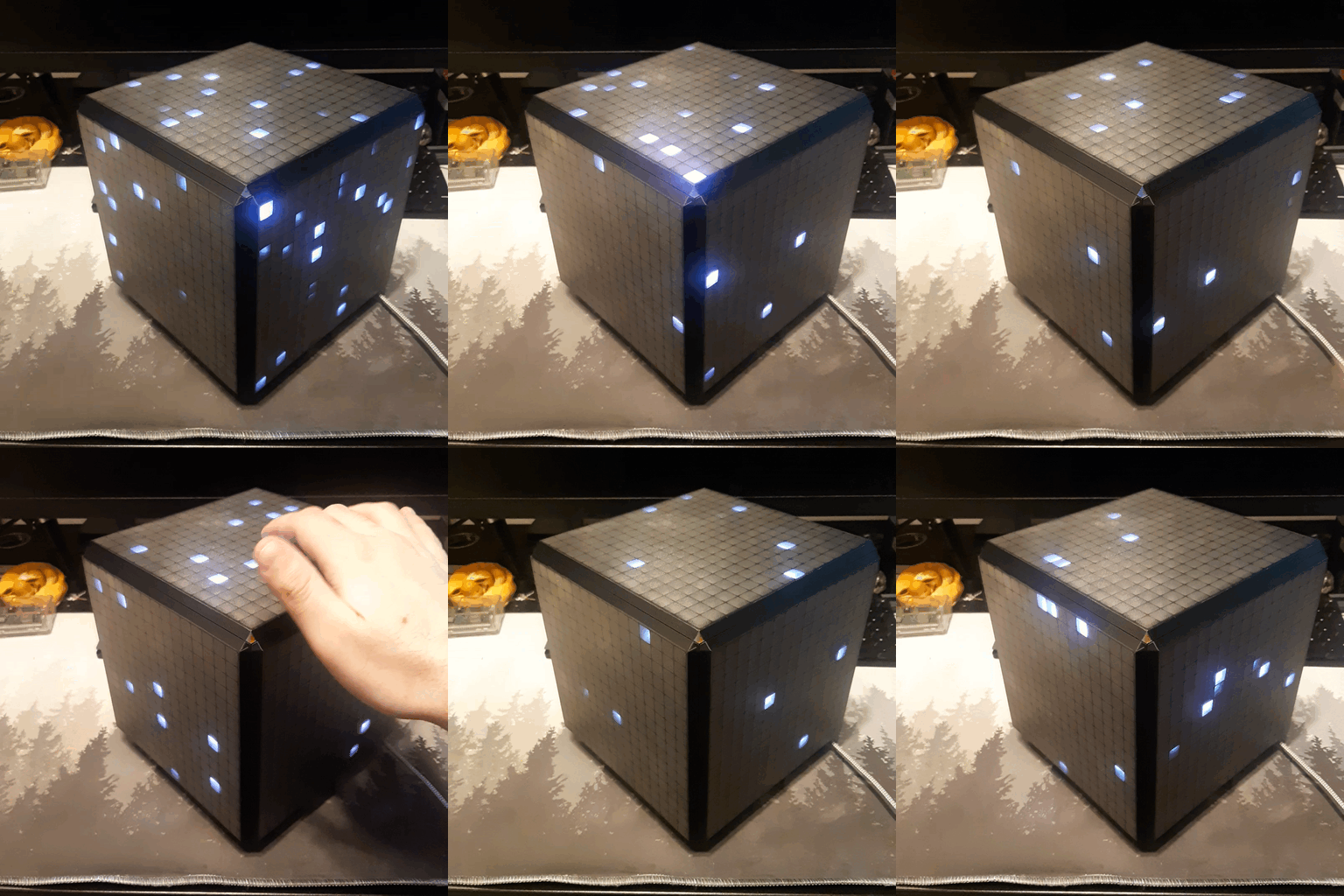
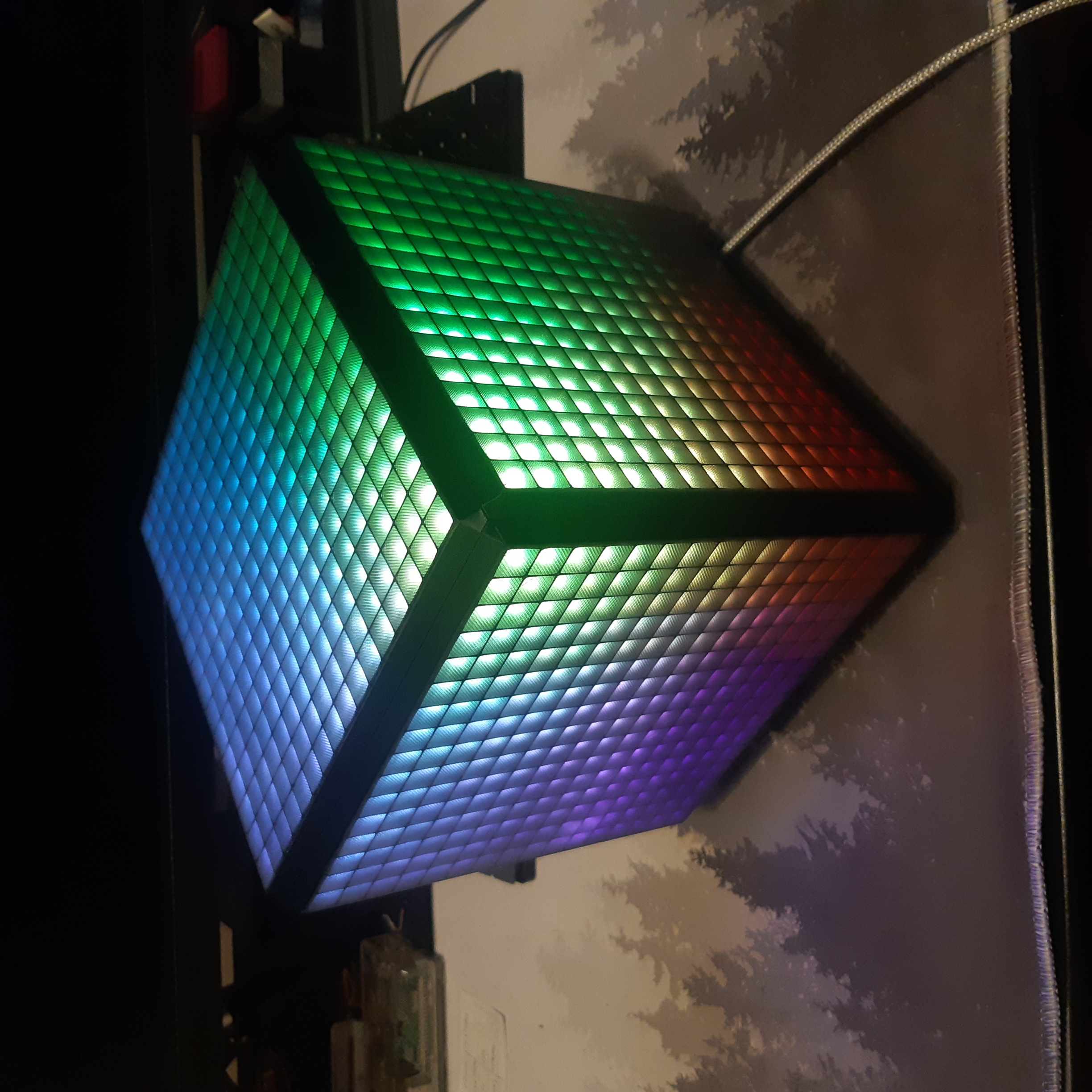
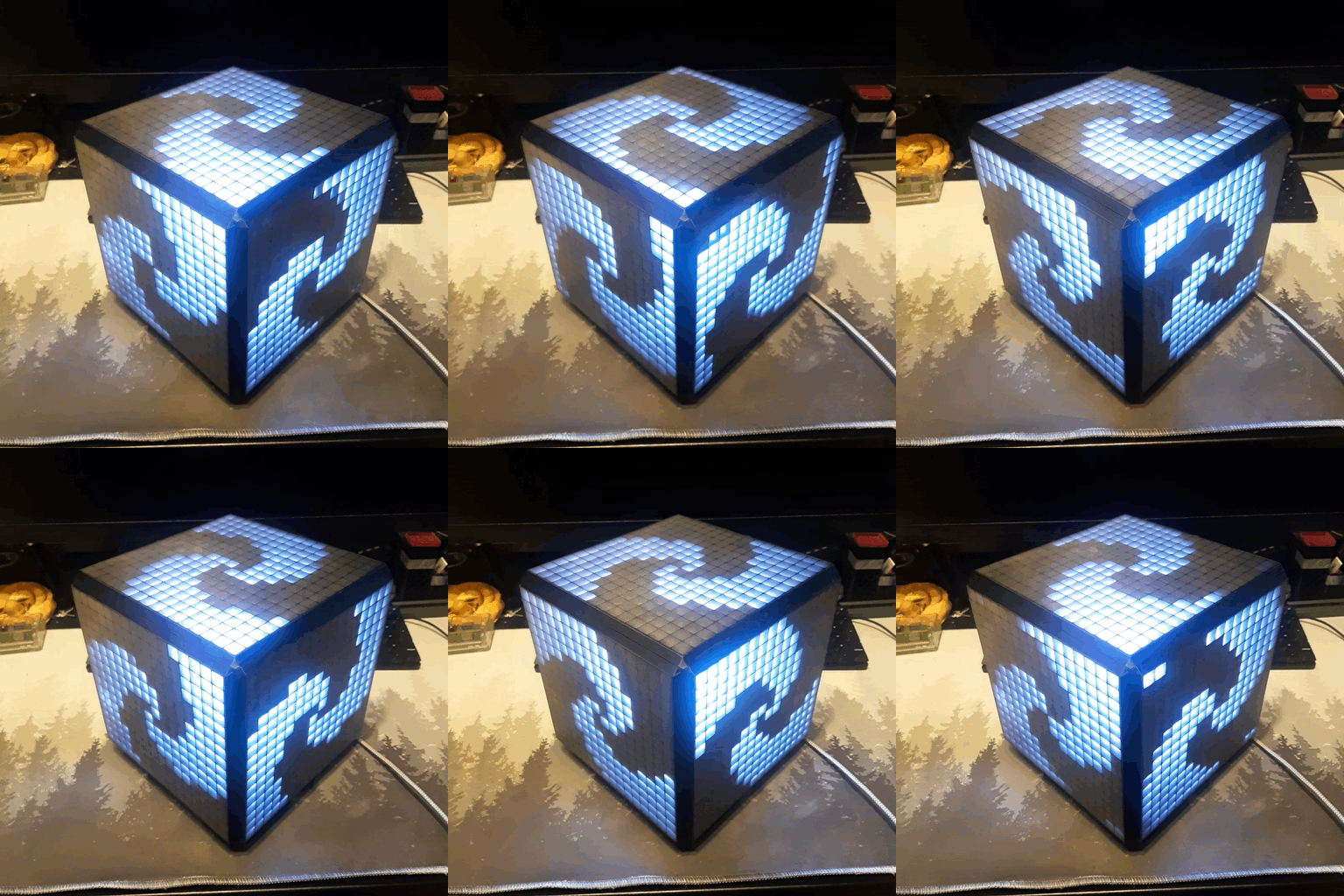
Designing and 3D printing the cube
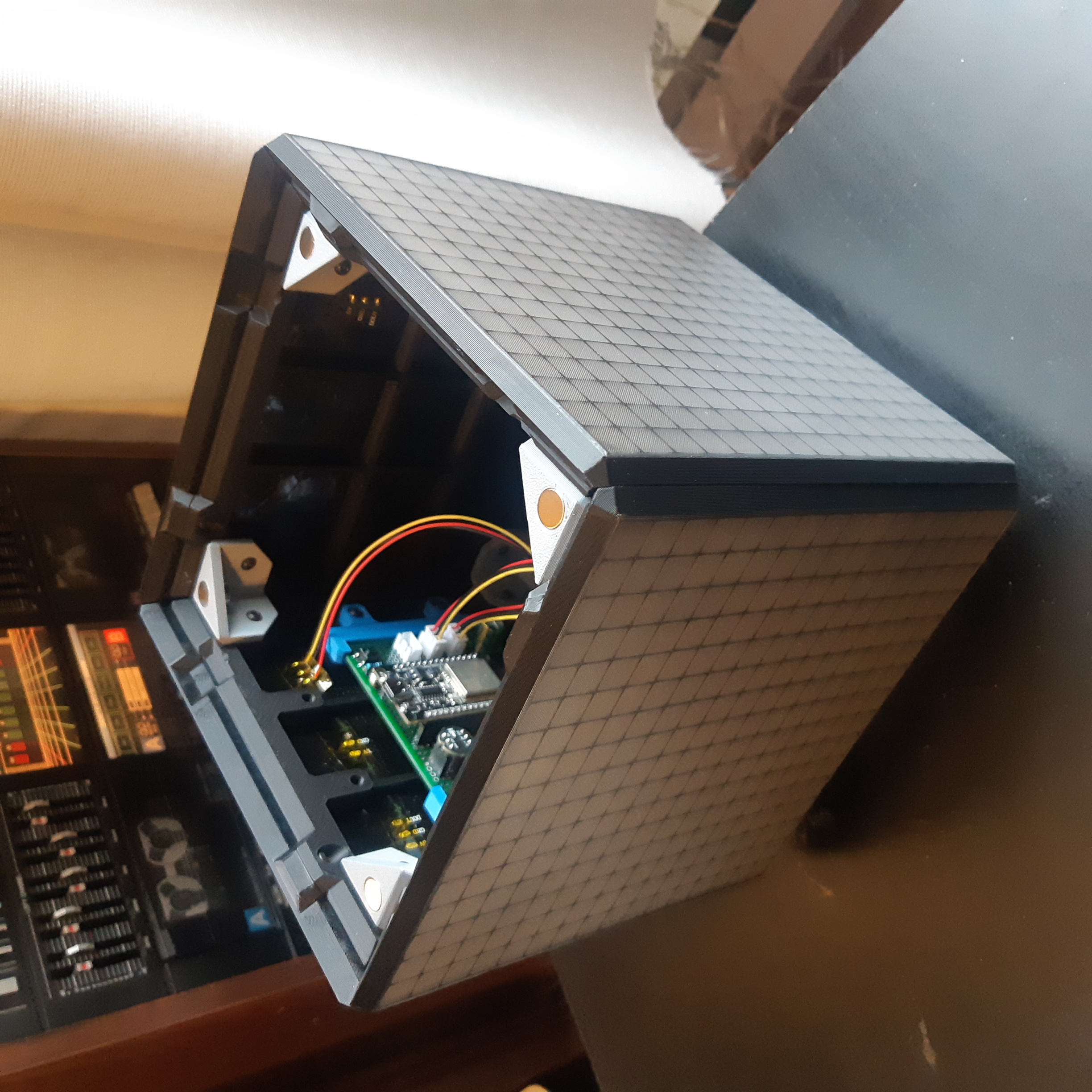
I built everything around those 16x16 WS2812B LED panel I got for cheap on AliExpress. Every faces are fully 3D printable! (except for screws and magnets of course)
The top face is held with magnets to allow for a quick access to all the electronics inside.
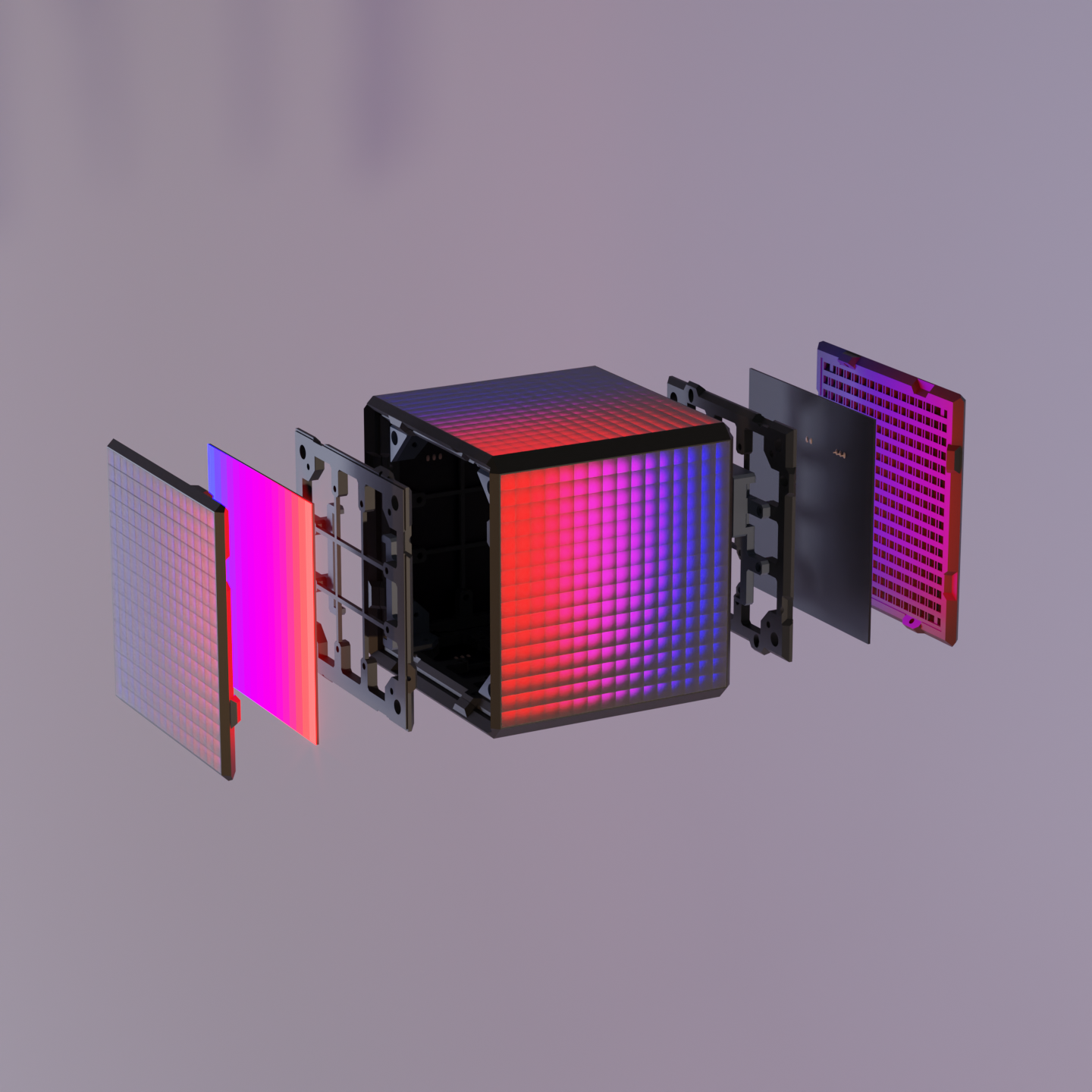
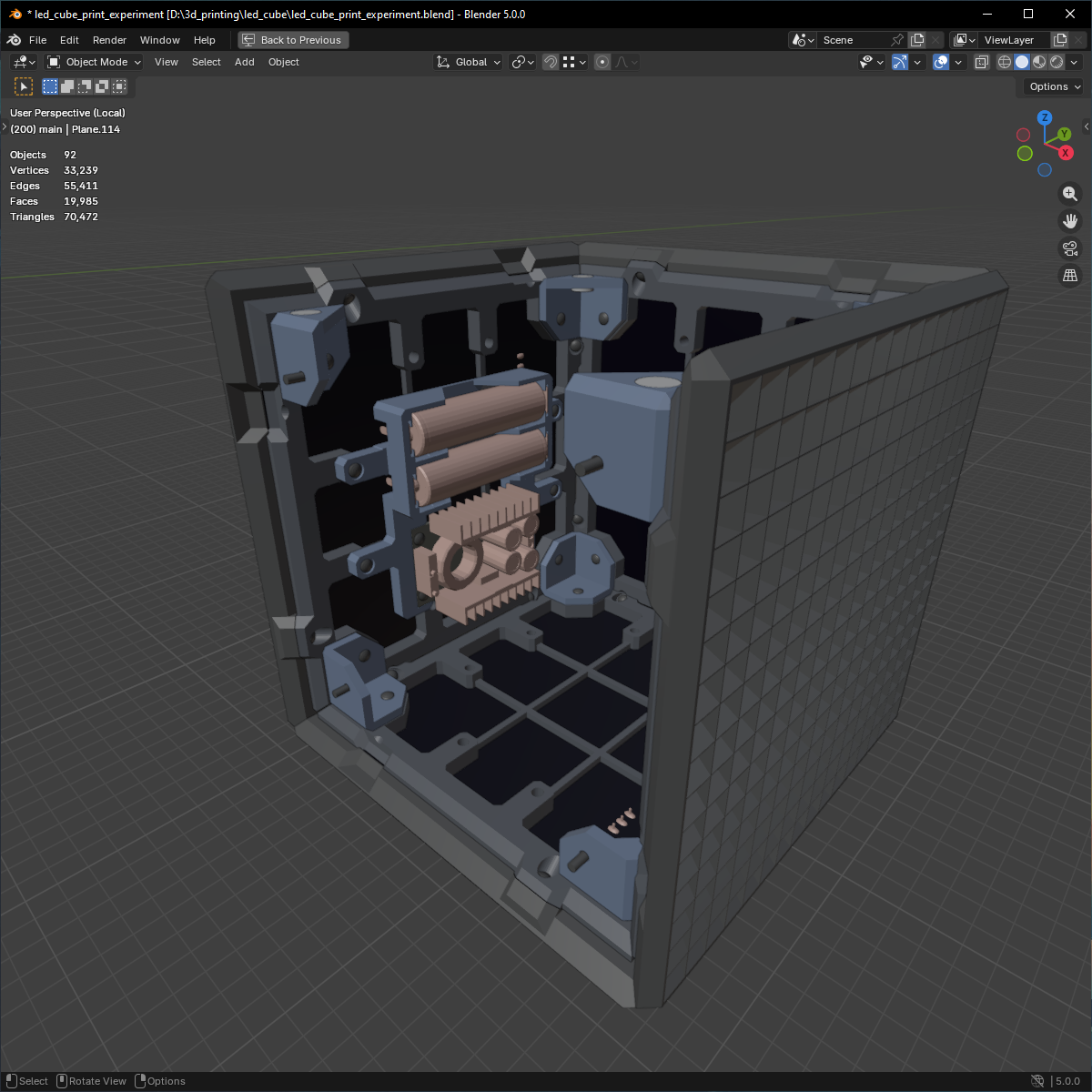
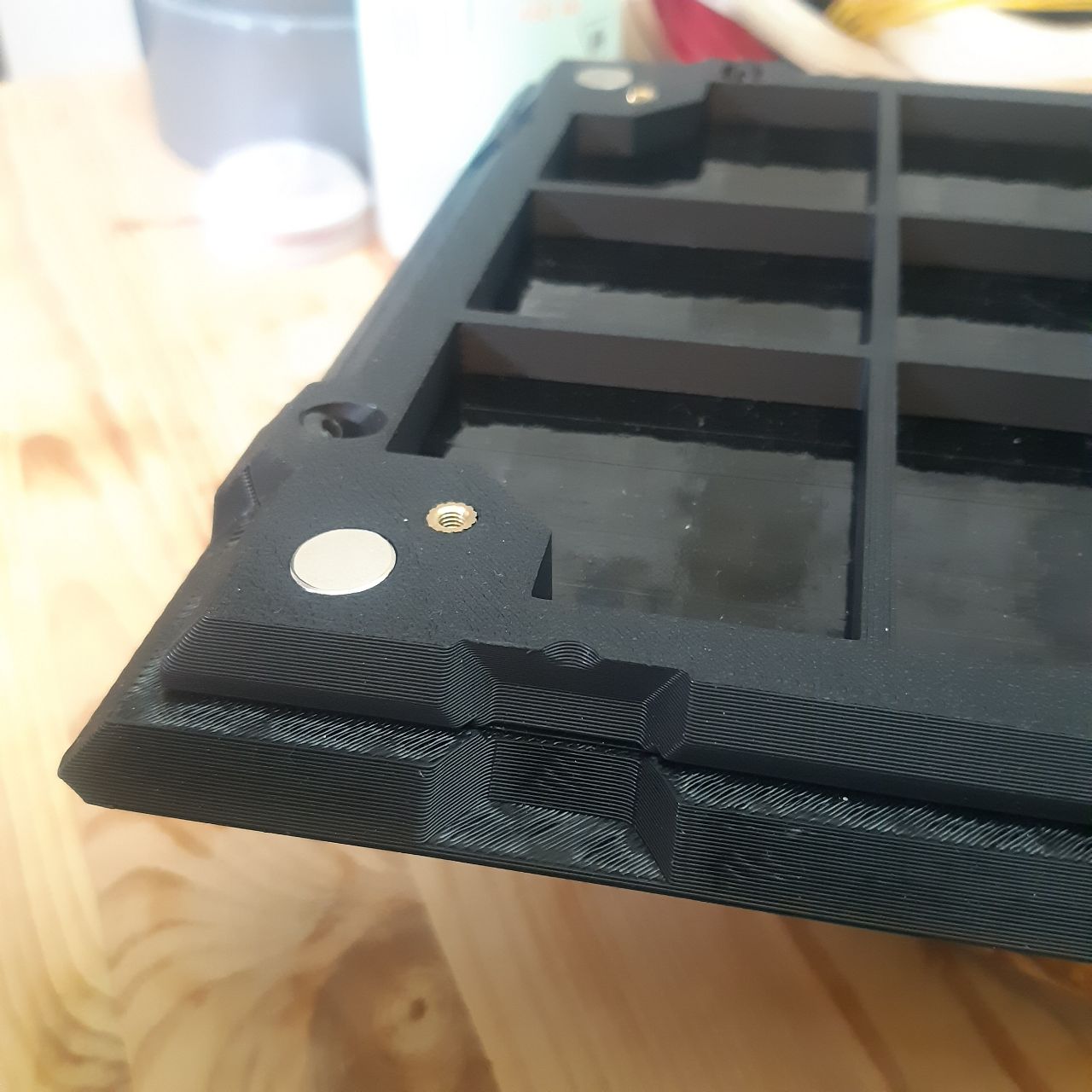
LED Diffusion layer
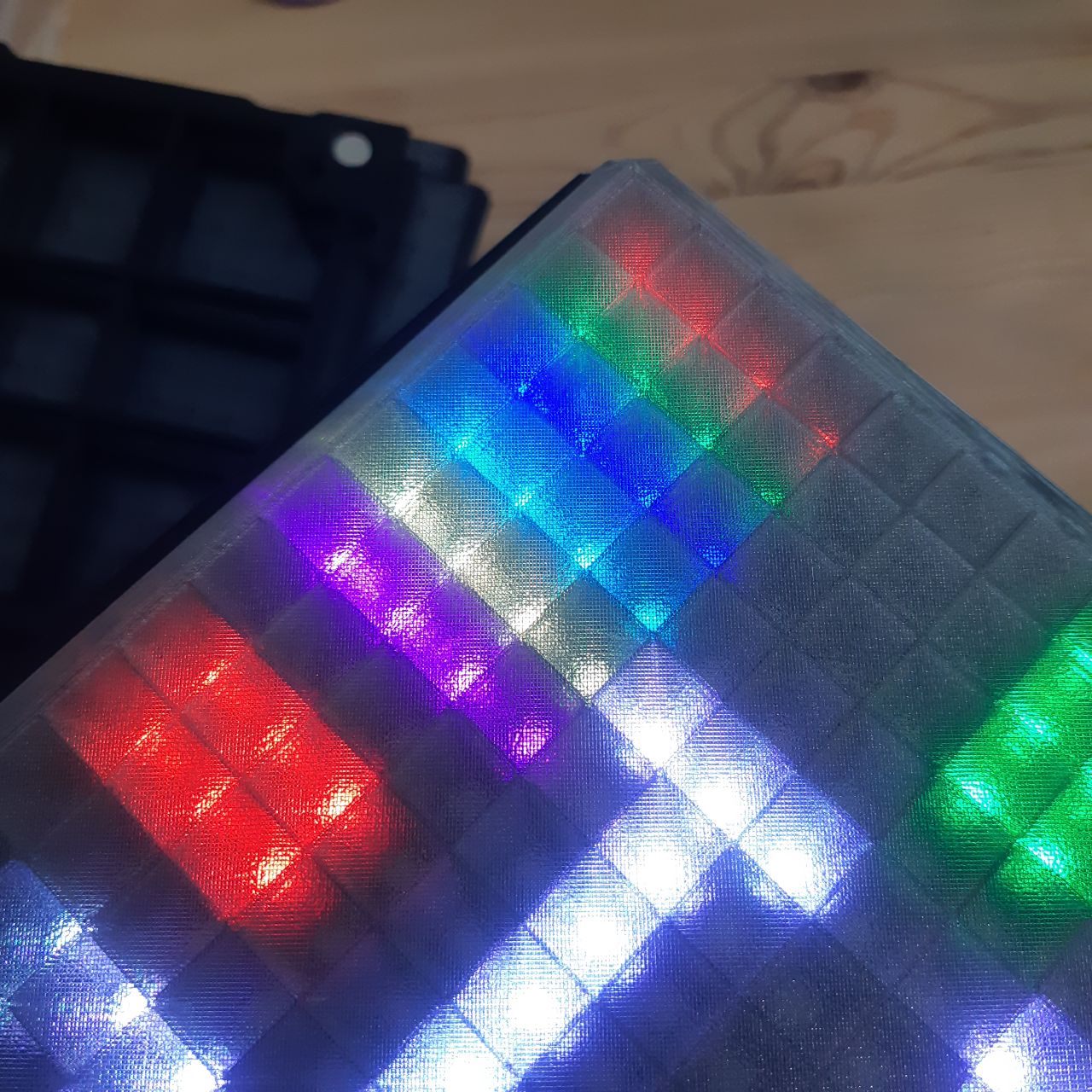
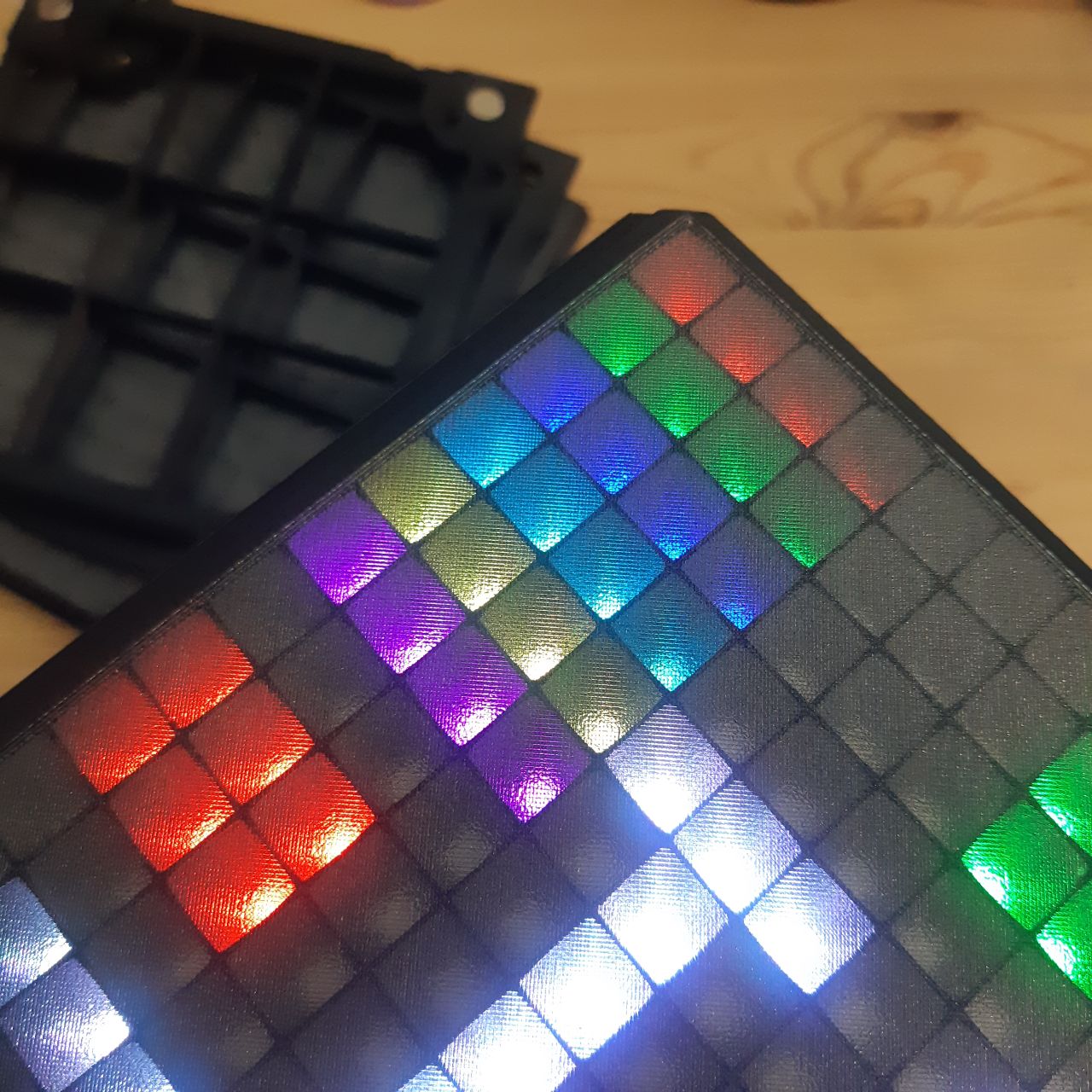
I wanted the face displays of the cube to have an “OLED” look, leading me to make some experimentation to find the best diffusion layer I could 3D print.
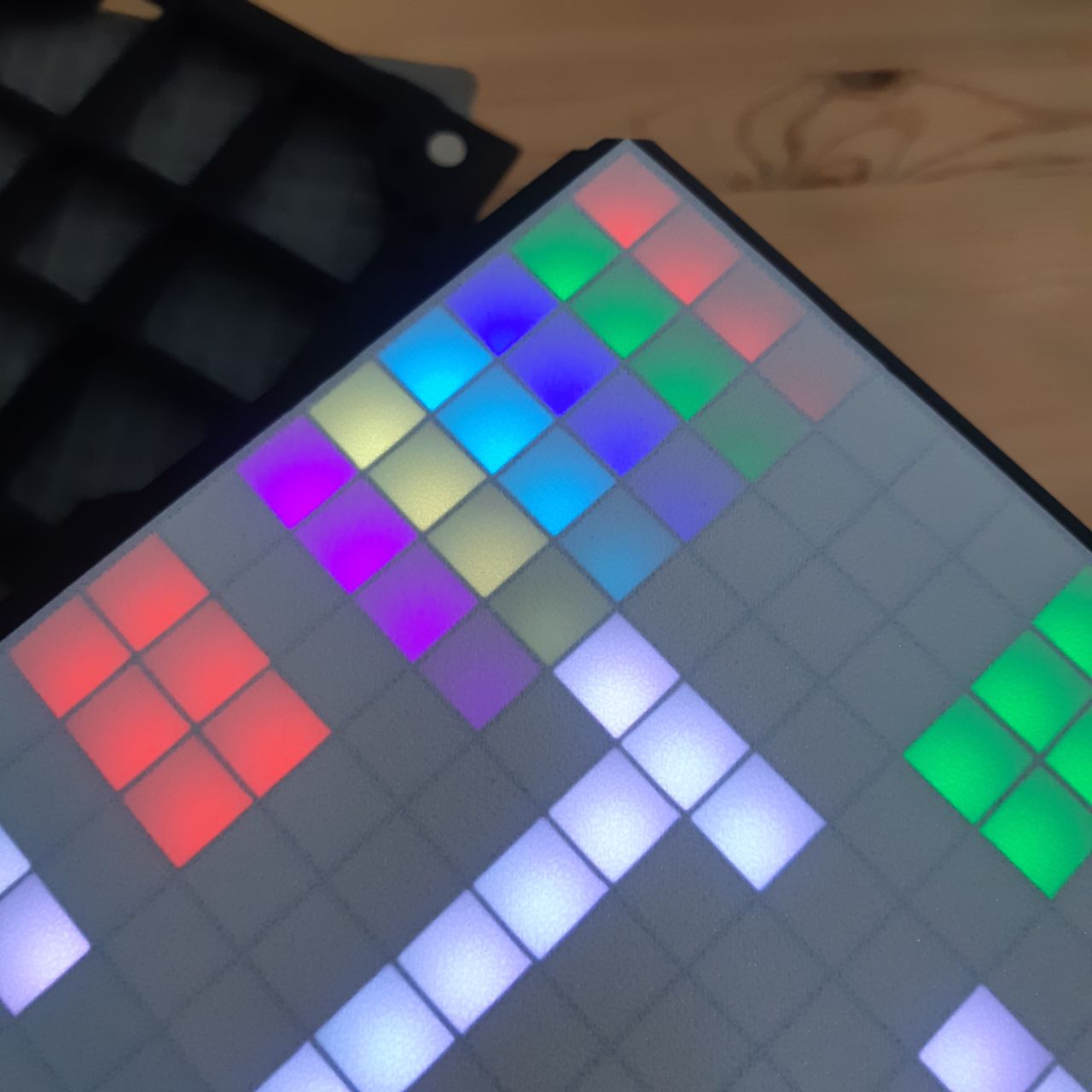
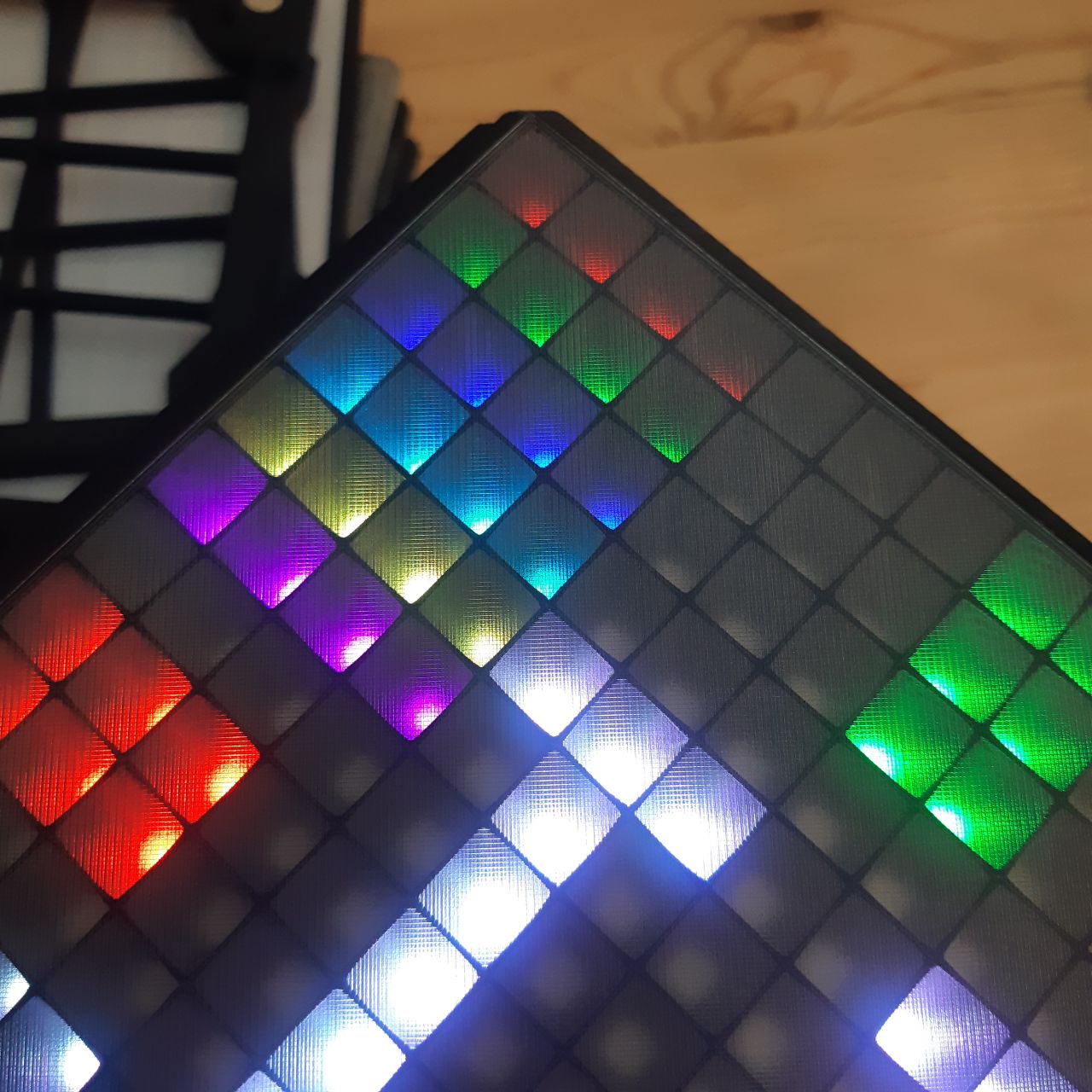
First is white PLA, that was the sharpest look I could get, but I had to try something to avoid that white background.
Second is all gray translucent PETG, this once caused a lot of light leaks into the neighbor pixels, surprisingly I really liked how much personality that added to some effects.
Third is gray PETG then black PETG on textured PEI bed plate, really good look but the surface gave a “dirty” impression, so I tried another bed plate.
Fourth is just like the third but on a SuperTack bed plate, That’s the one I ended up using.
If you intent to print a large area on a SuperTack bed plate, be warned; it’s real difficult to peel off without damaging the thin layers. I cracked a few panels after hours of printing…
Electronics
There are lots of LEDs to power, 16x16 LEDs for 6 faces, gives 1536 of them! And it requires lots of power as each LED channel can consume up to 12mA, or 36mA per LED, bringing the max amps consumption (at full white) up to 1536x36mA = 55296mA. 55 amps for this project is a lot to ask, especially on batteries.
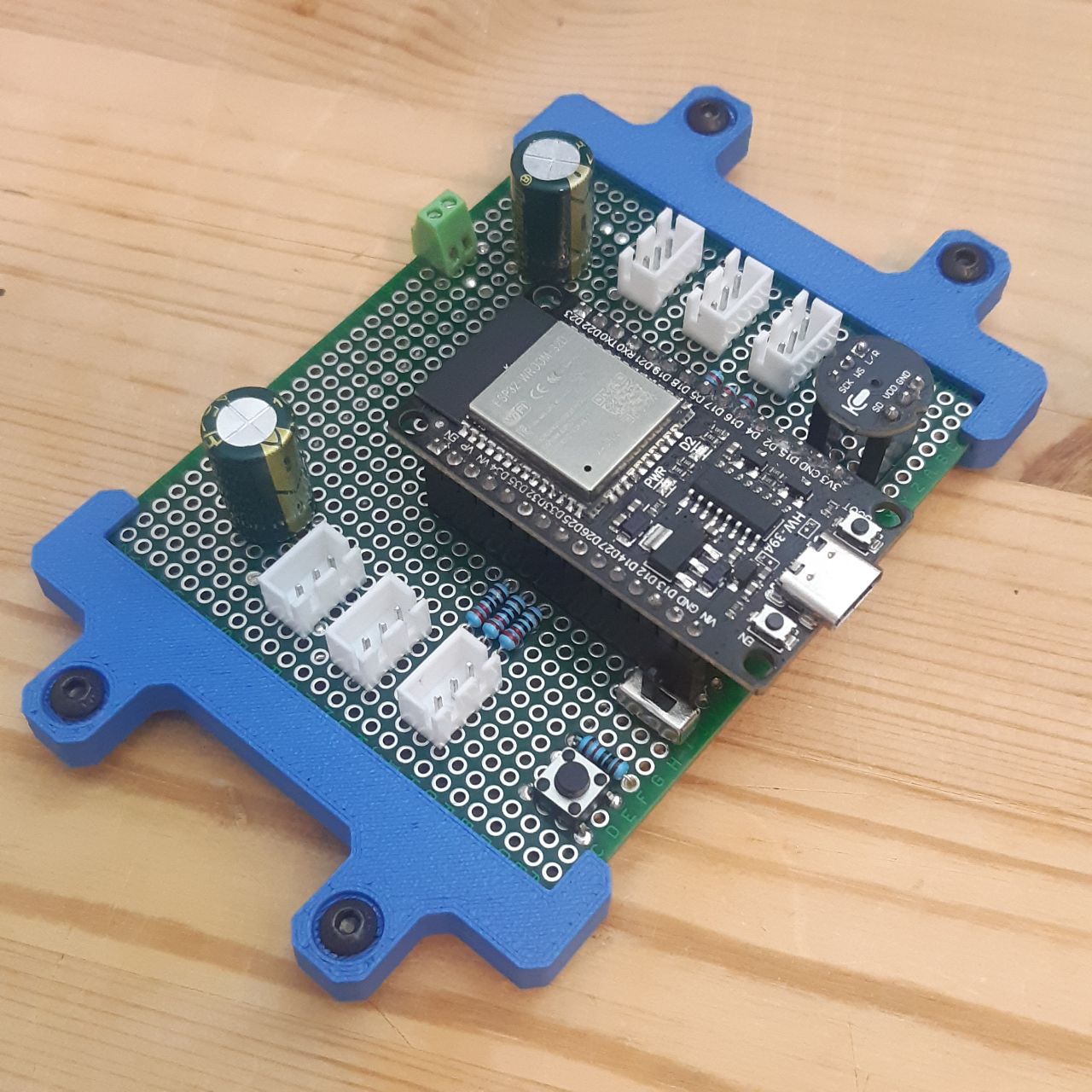
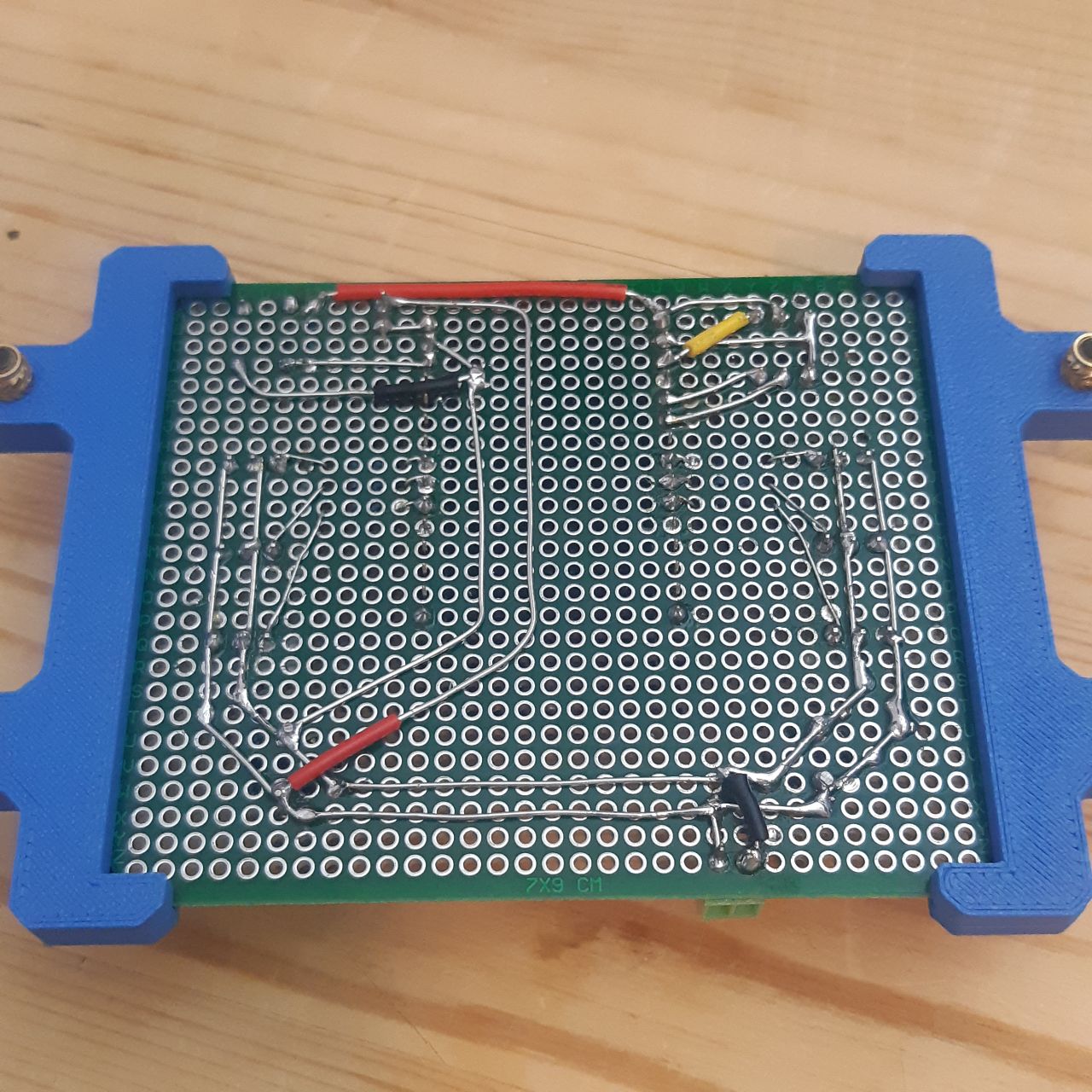
Components:
- Battery powered (with protected 18650 cells)
- ICS-43434 Microphone
- 6 16x16 WS2812B LED Panel
Just in case, I kept some room for a gyroscope (MPU-9250). Would allow for more interactive effects in the future.
Software
All the logic is written in Rust without the standard library, thankfully Espressif is officially supporting this language on their ESP32 microcontrollers. But that turned out to be quite a challenge. My biggest headache was how often I ran into linker errors from using too much static memory.
I am able to control the cube in two different ways:
- Hardware button inside that allows me to change between effects independently.
- Over Wi-Fi through MQTT for home automation.
I implemented a cool looking debug effect full of widgets to shows me information I needed while working on the software.
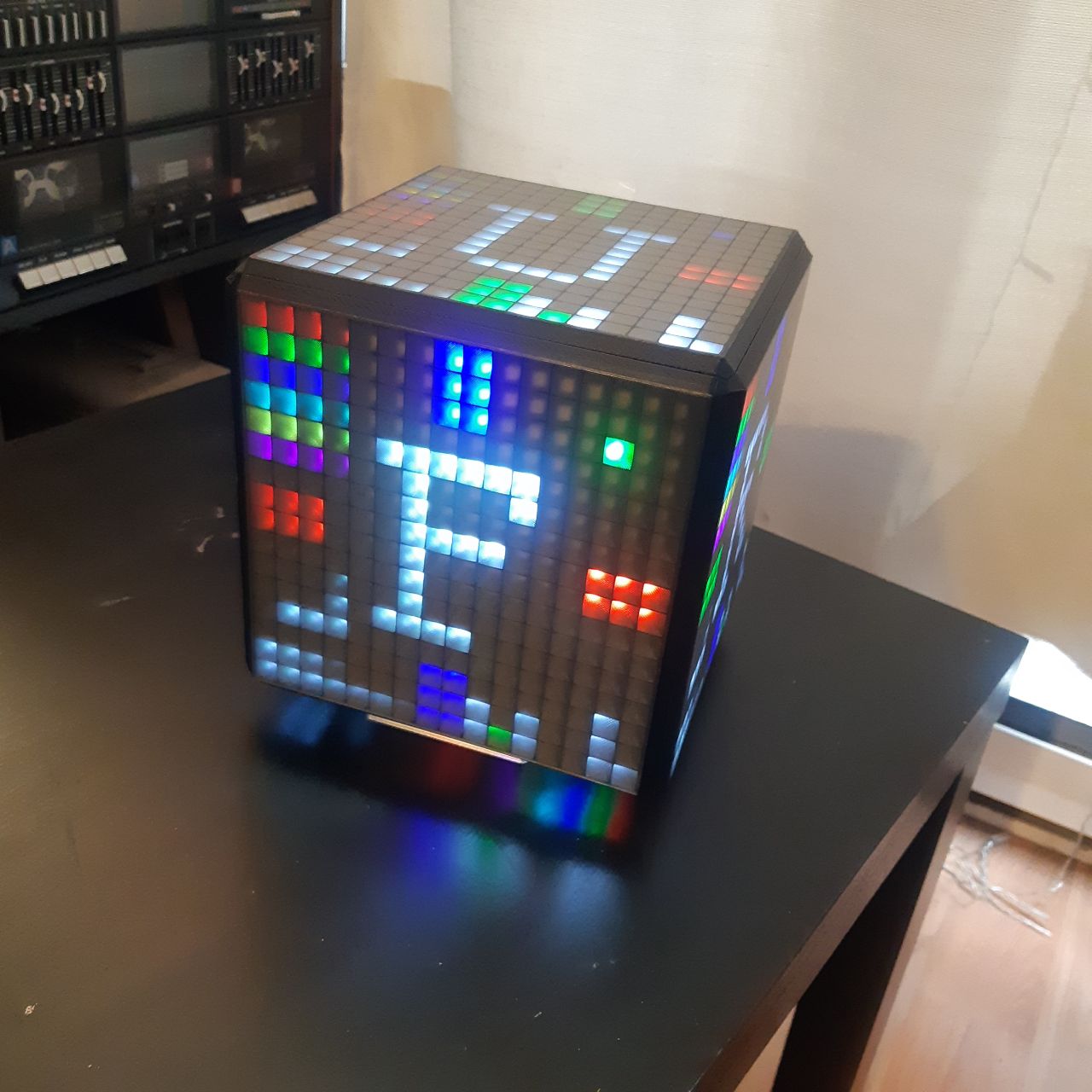
It shows:
- Each face directions.
- X, Y and Z axis.
- Color gradients.
- Active spinner to show if it crashed.
- Stats bars for FPS, brightness and microphone.
- Dot indicators showing enabled features and connection status of MQTT.
What a thing
Loved working on this, felt like a real big project for me. And there is so much more I can do with this, I’ll sure be adding more visual effects to the cube when I can! I hope to bring this out to events as a cool decorative audio visualizer.